
Explore exterior design possibilities before you renovate.
Visualize, compare, and discover exterior transformations while exploring the colors, styles, and products that fit your home.
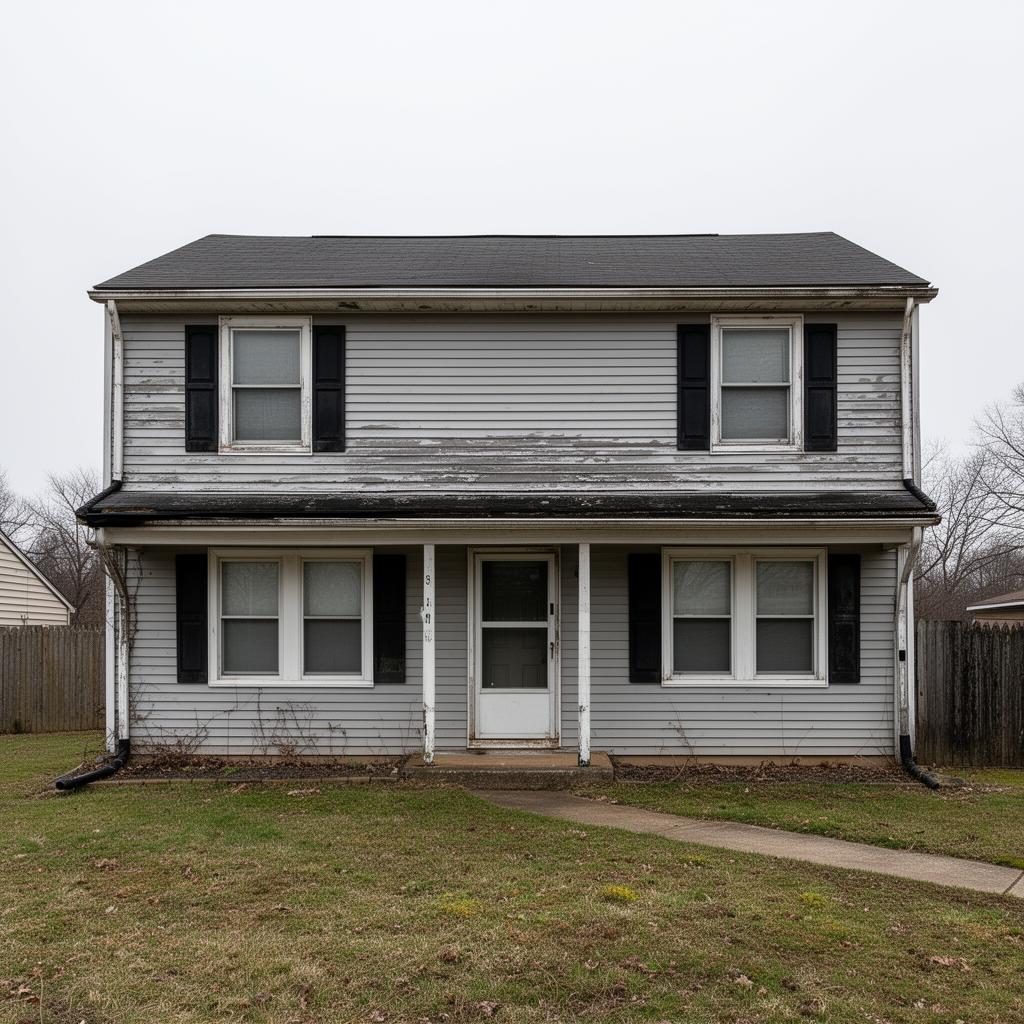
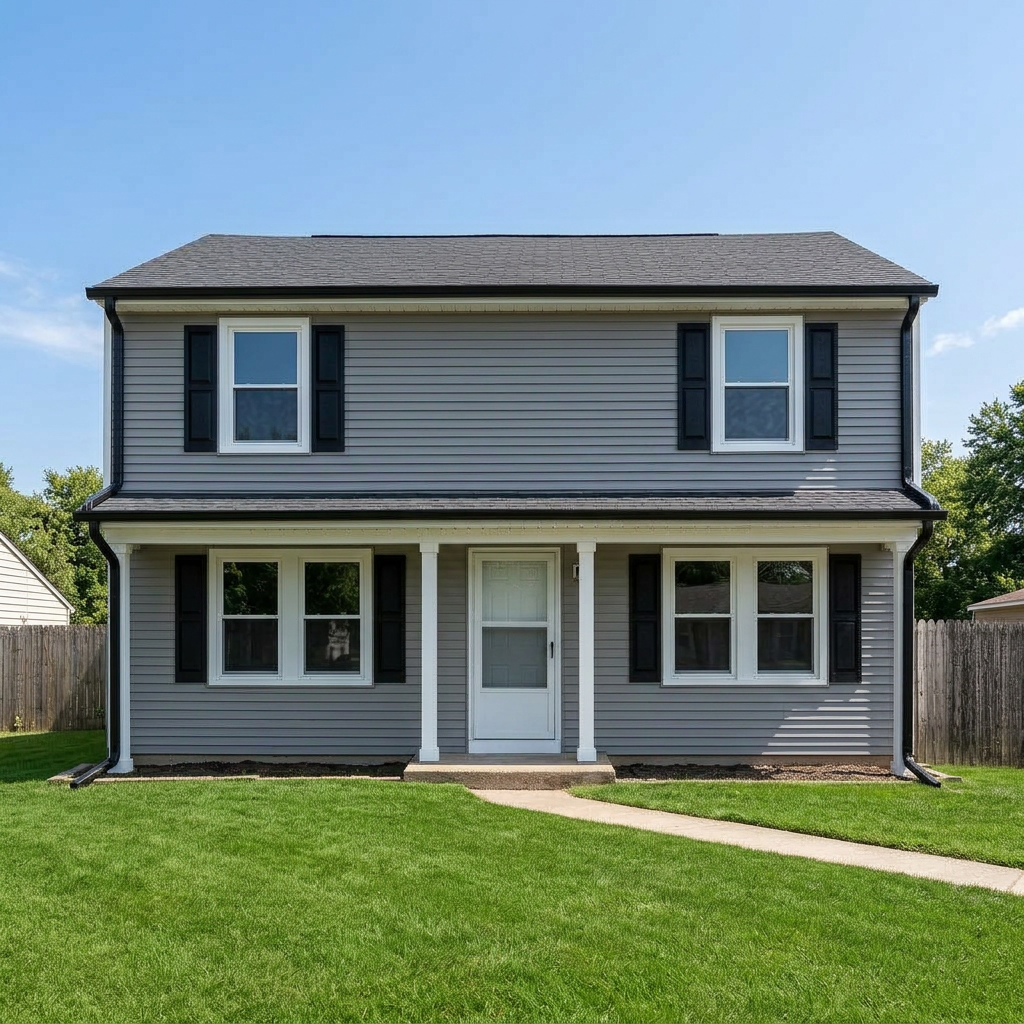 BeforeAfter
Left side shows the home before the design changes; right side shows the home after. Use the left and right arrow keys to move the reveal line, or Home and End to show mostly the after or mostly the before image.
Drag the handle to see the after
See your ideas before you commit.
Small updates or a full exterior refresh — try it on your actual home first.
More transformations.
Every home is different. Try it on yours.
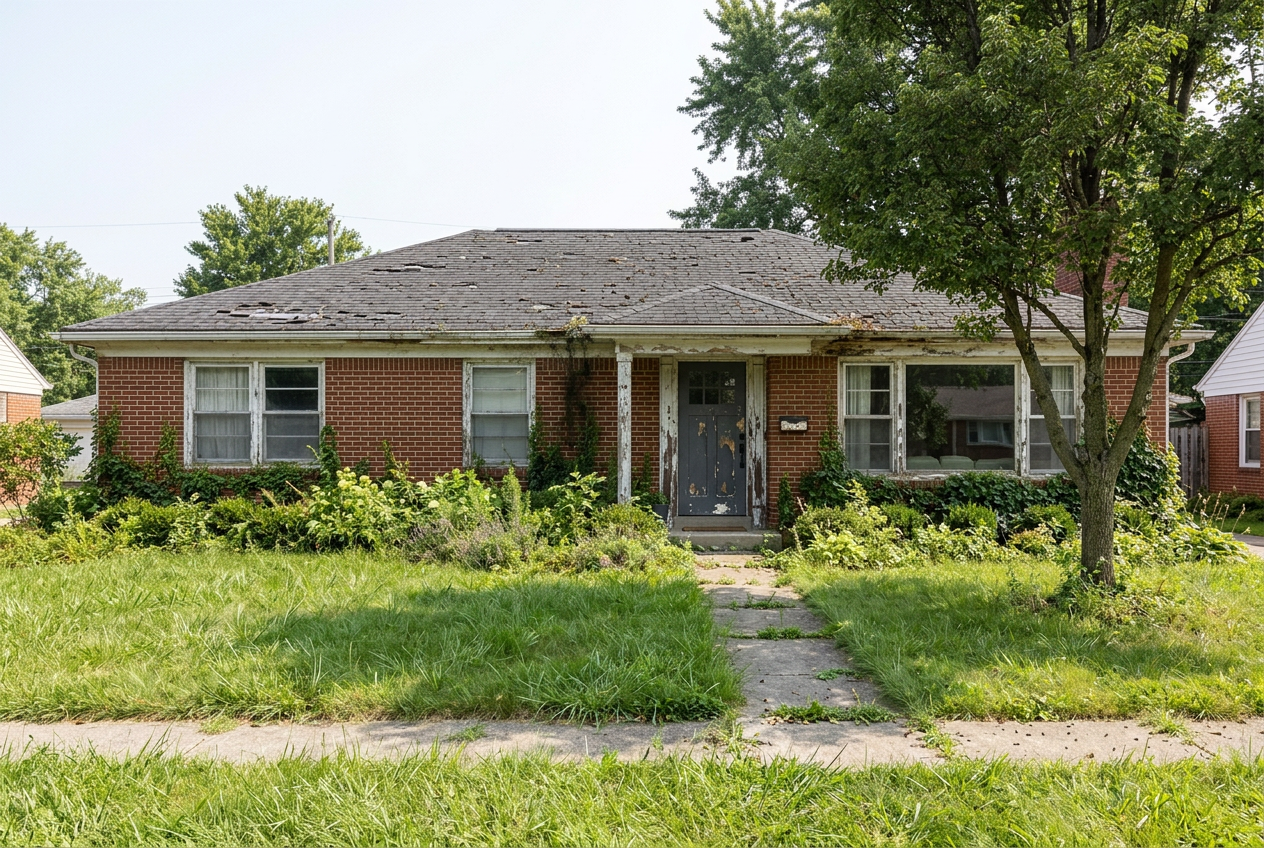
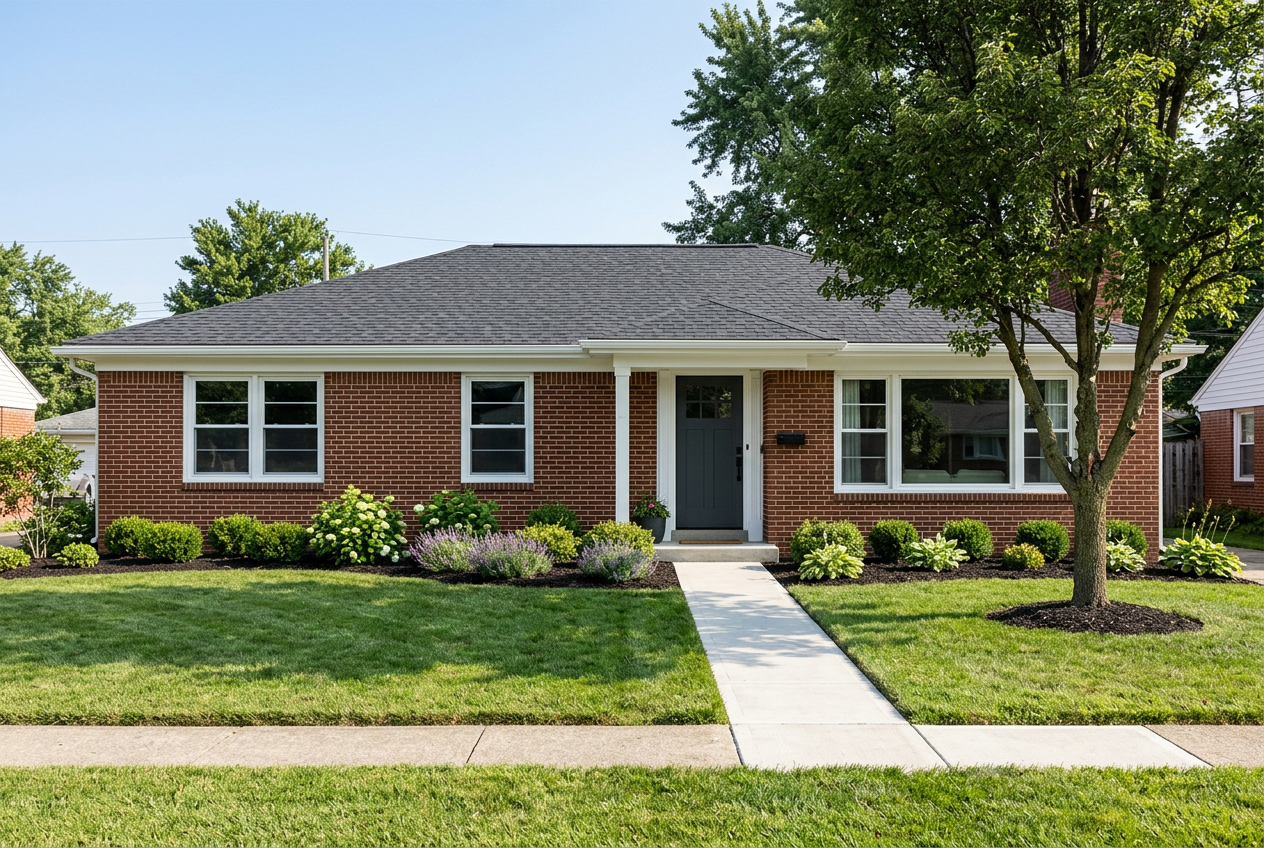 BeforeAfter
Left side shows the home before the design changes; right side shows the home after. Use the left and right arrow keys to move the reveal line, or Home and End to show mostly the after or mostly the before image.
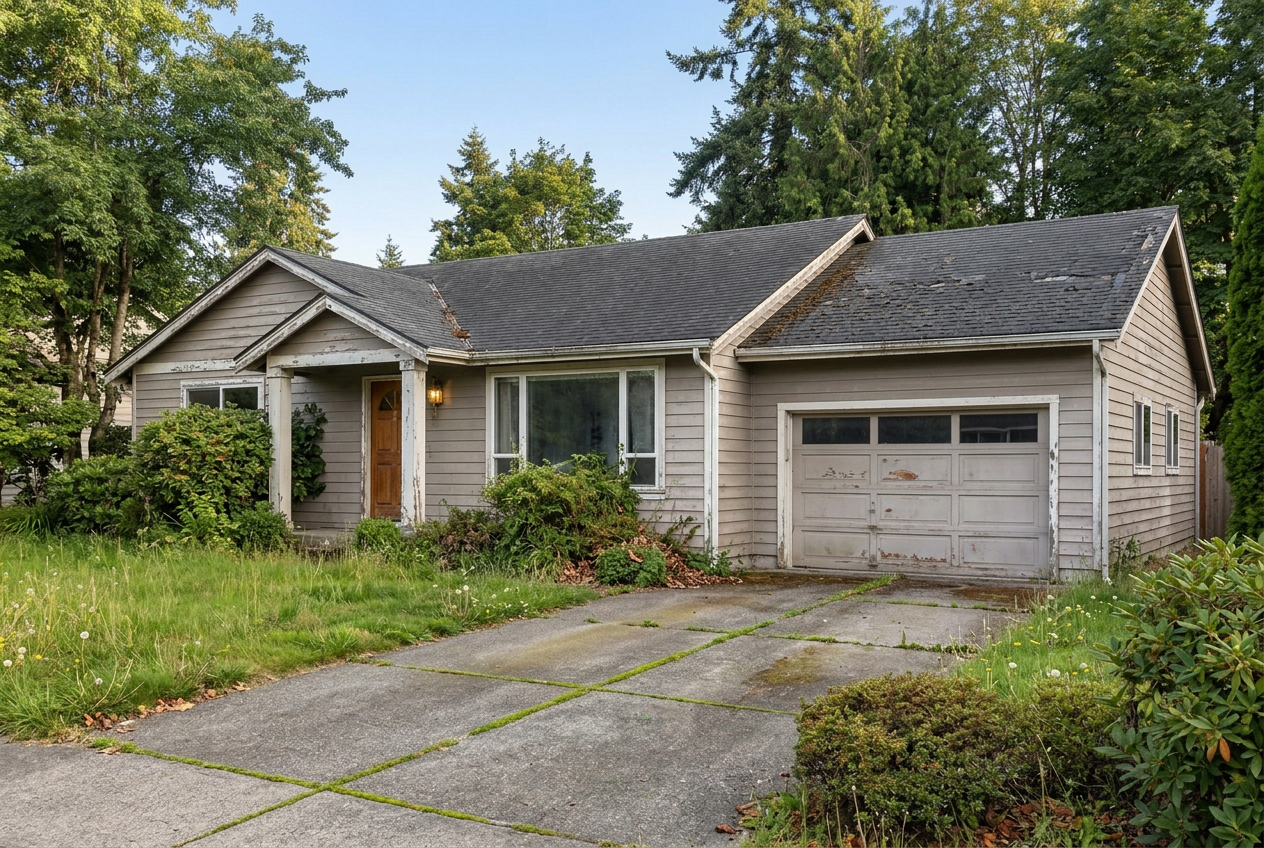
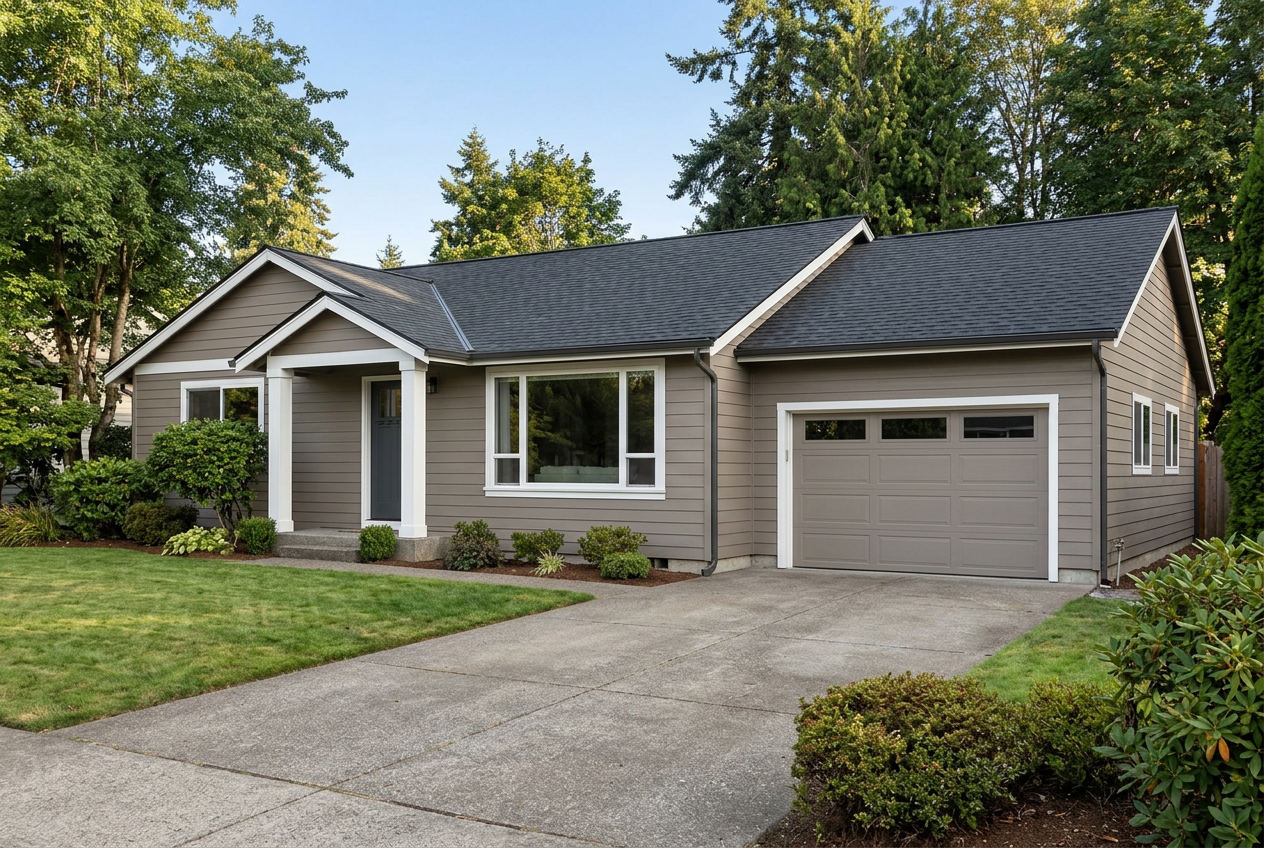 BeforeAfter
Left side shows the home before the design changes; right side shows the home after. Use the left and right arrow keys to move the reveal line, or Home and End to show mostly the after or mostly the before image.
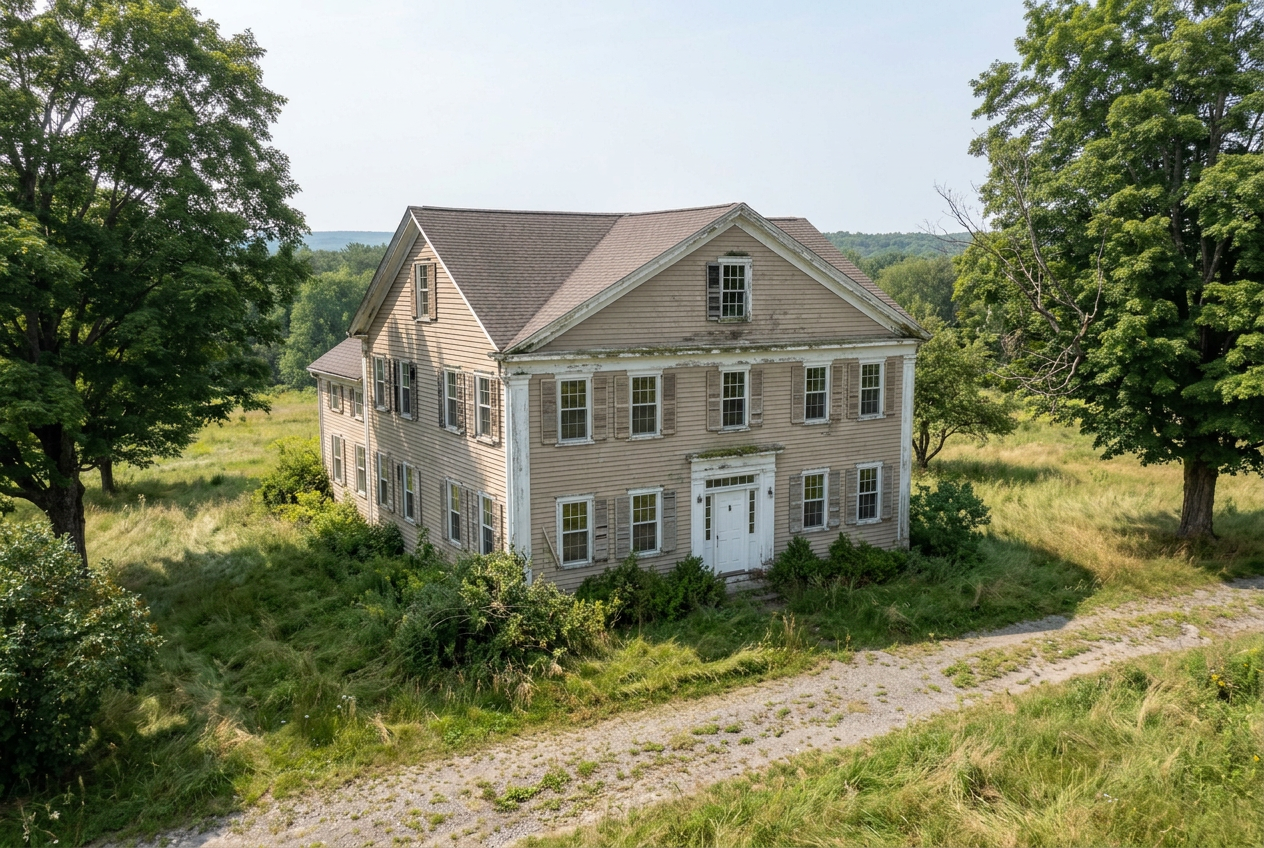
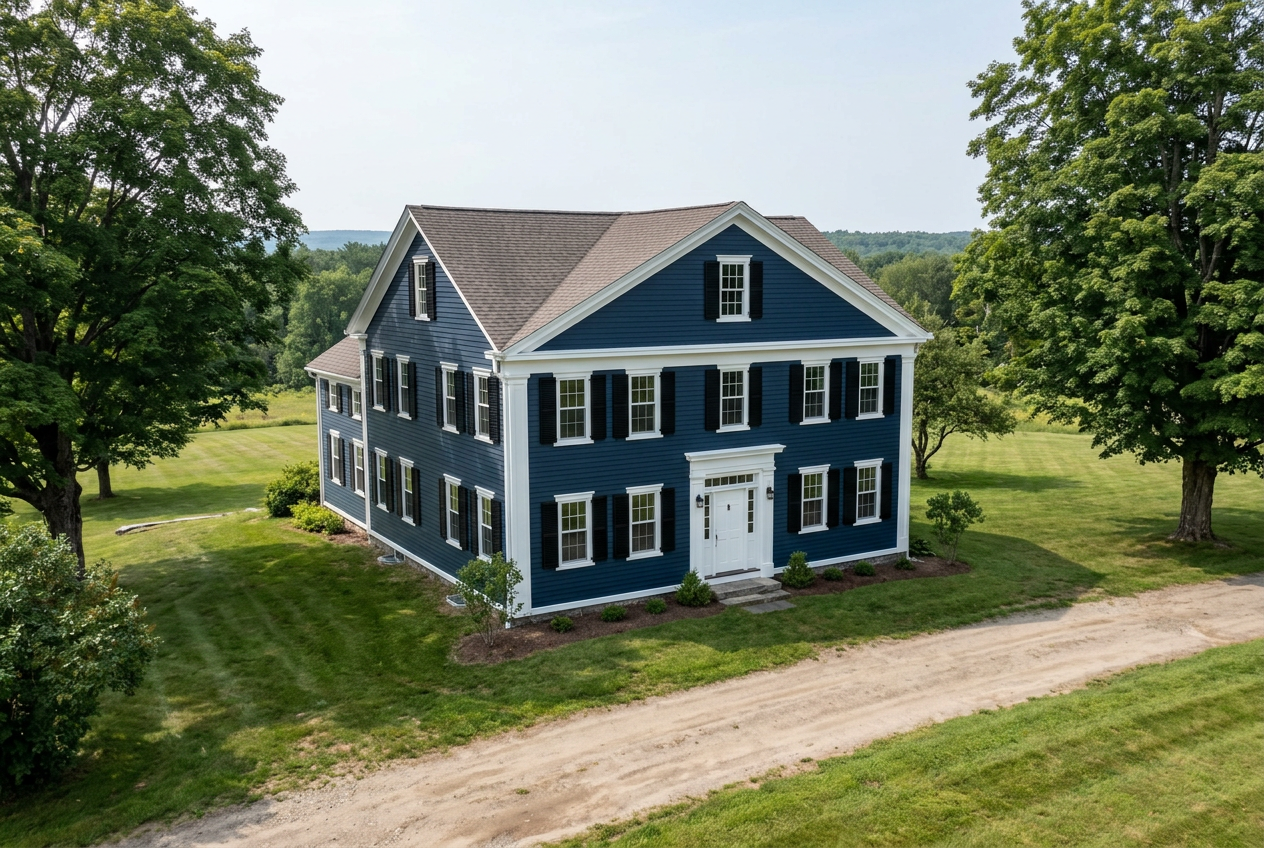 BeforeAfter
Left side shows the home before the design changes; right side shows the home after. Use the left and right arrow keys to move the reveal line, or Home and End to show mostly the after or mostly the before image.
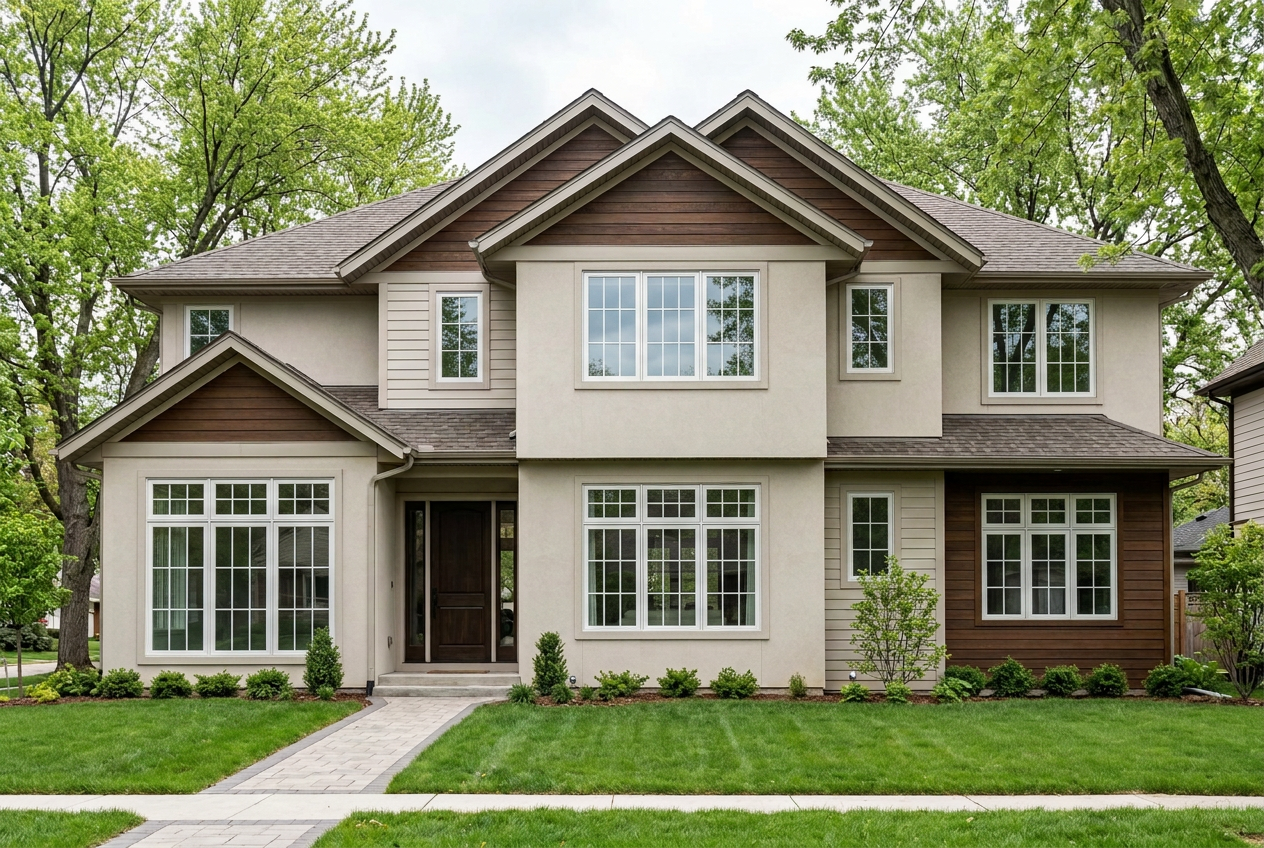
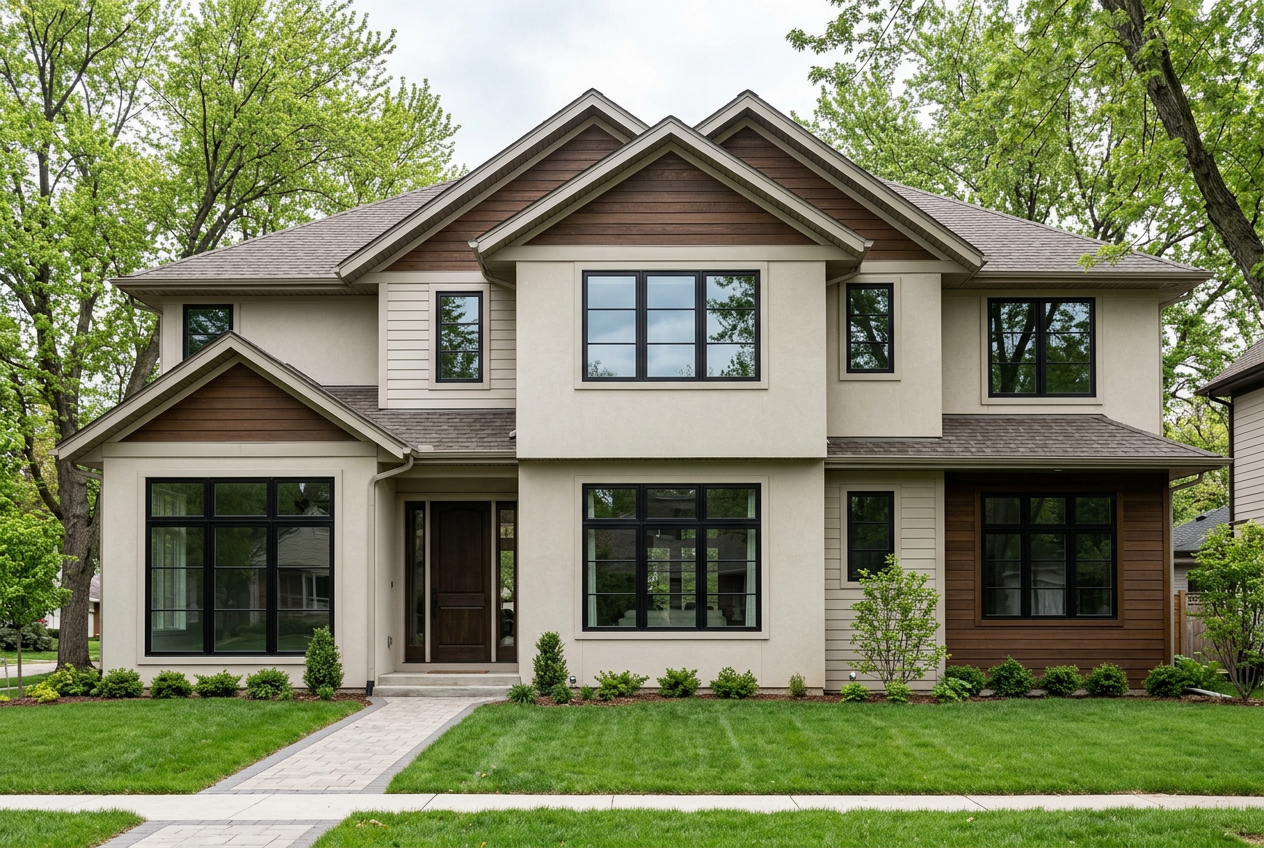 BeforeAfter
Left side shows the home before the design changes; right side shows the home after. Use the left and right arrow keys to move the reveal line, or Home and End to show mostly the after or mostly the before image.
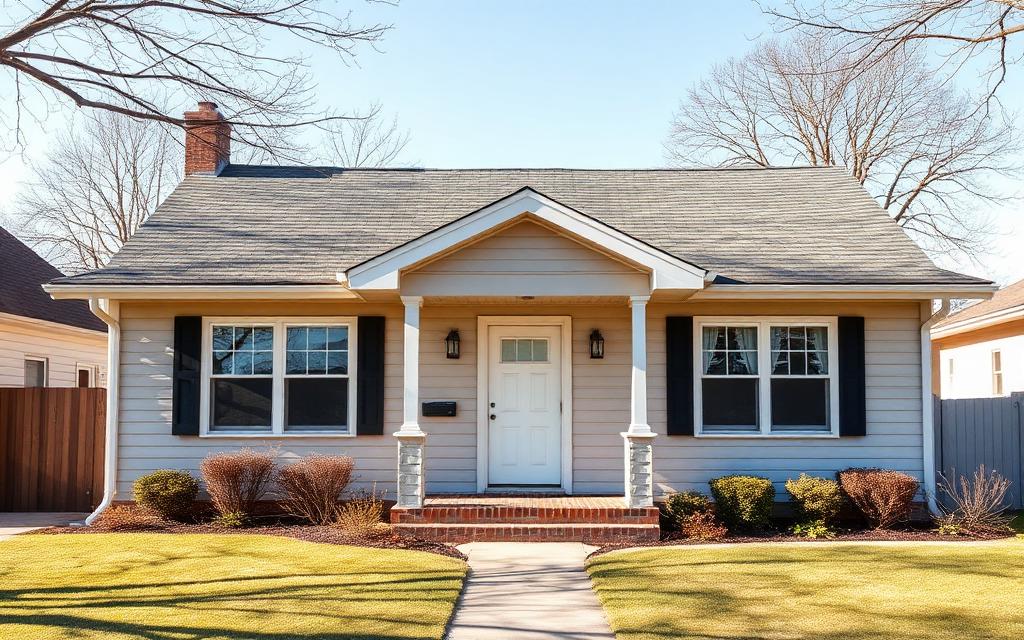
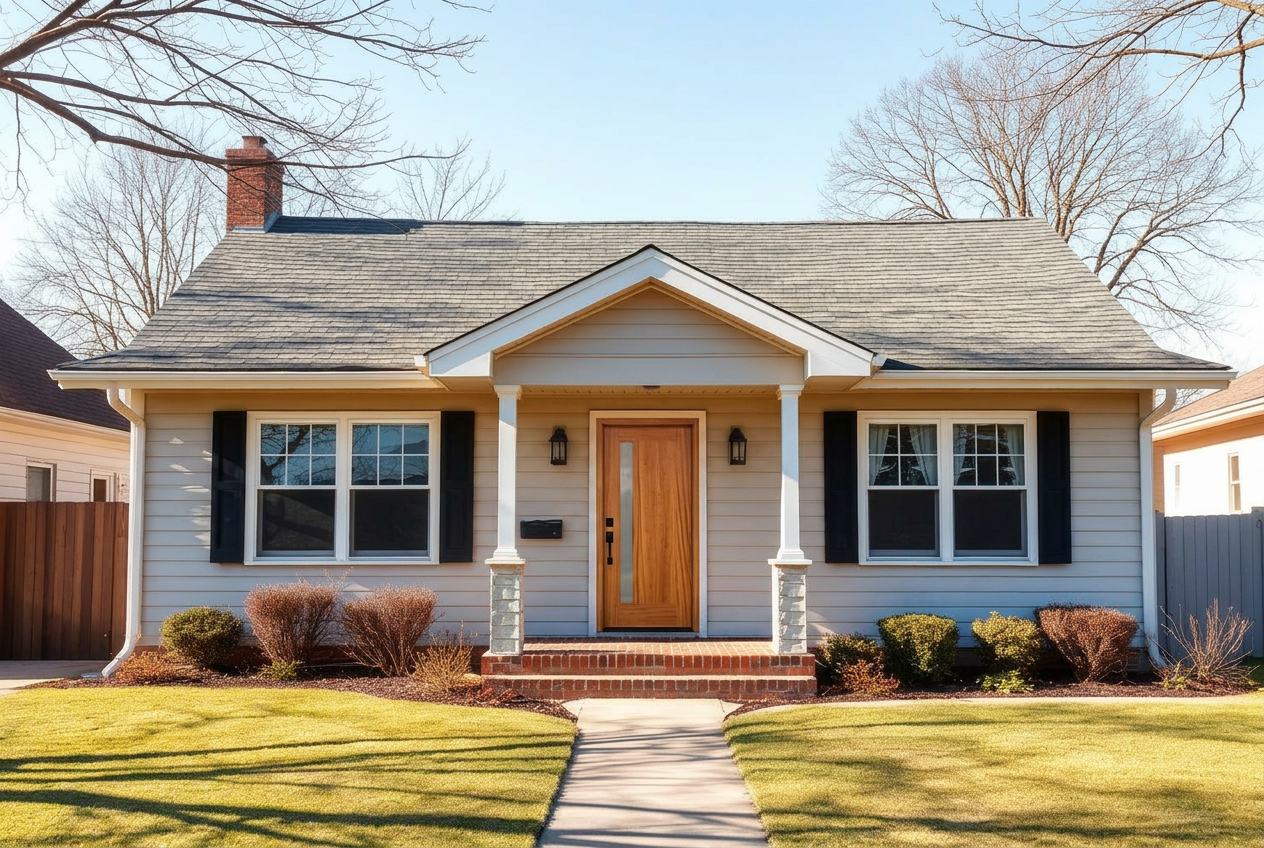 BeforeAfter
Left side shows the home before the design changes; right side shows the home after. Use the left and right arrow keys to move the reveal line, or Home and End to show mostly the after or mostly the before image.
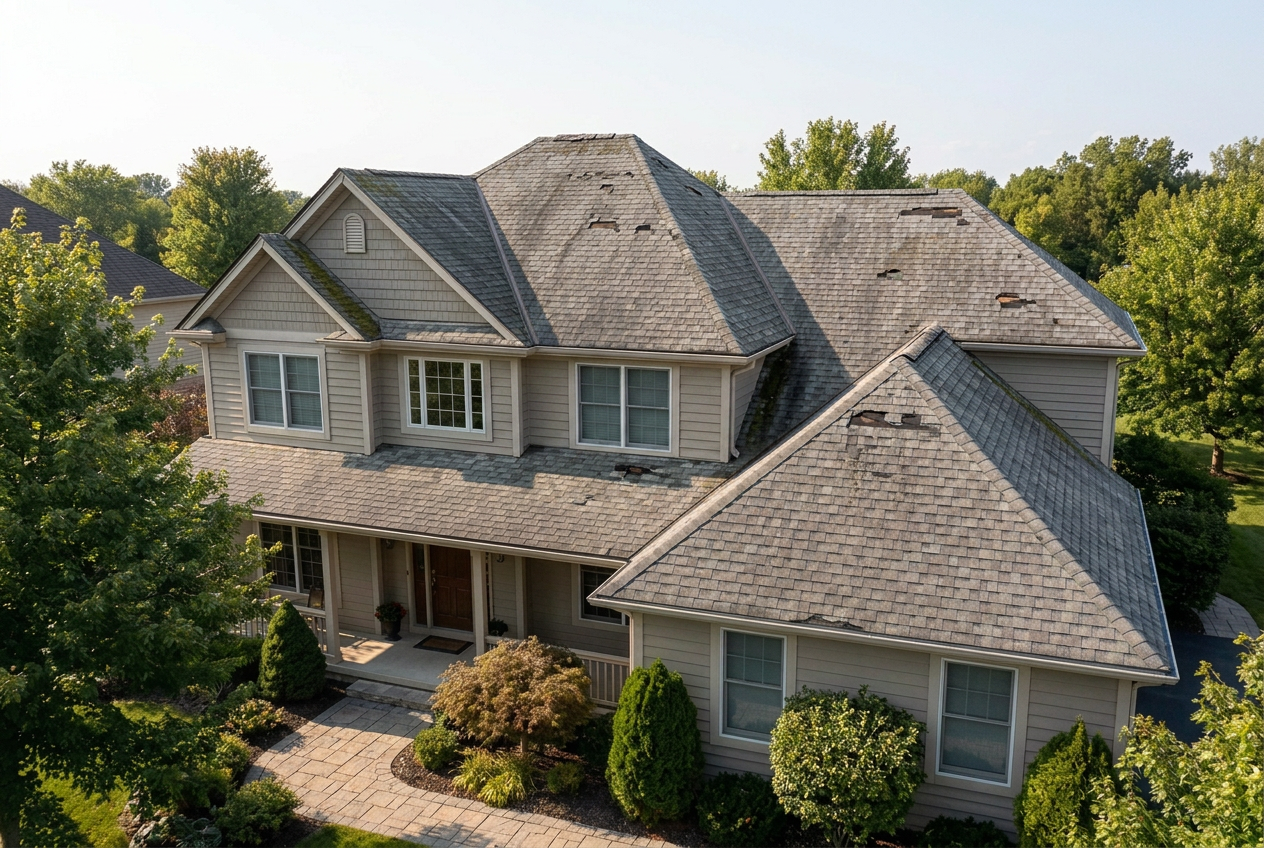
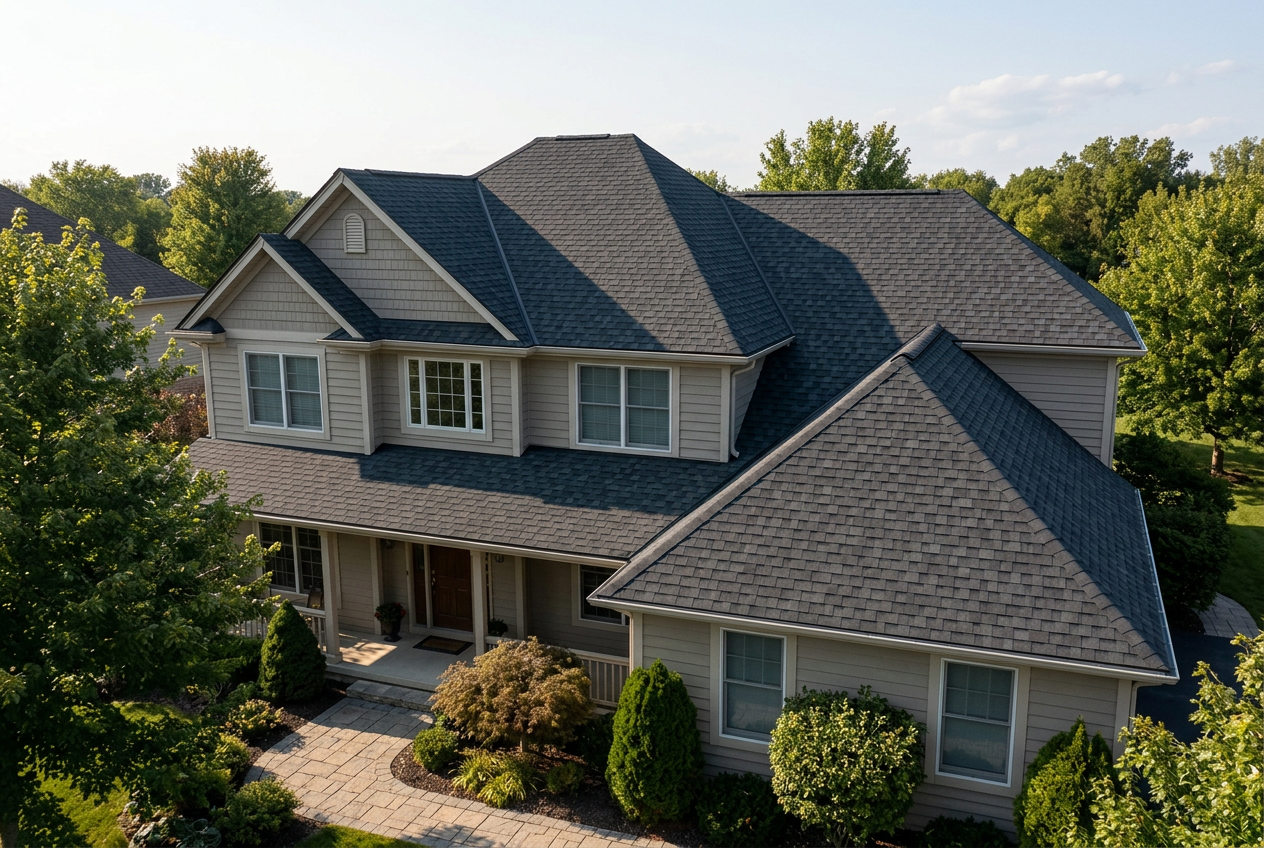 BeforeAfter
Left side shows the home before the design changes; right side shows the home after. Use the left and right arrow keys to move the reveal line, or Home and End to show mostly the after or mostly the before image.
One platform. Two sides of the project.
Homeowners design the look they want. Contractors turn that vision into a real project.
How MeasureBuddy connects homeowners and pros.
From kitchen-table imagination to clean, confident project handoff.
Homeowners visualize the dream
Upload a photo and explore what your home could look like — siding, trim, color, the whole picture.
Pros guide the project
MeasureBuddy Pros use design options, product libraries, and project notes to shape the right solution.
Everyone moves forward with confidence
Homeowners understand the vision. Contractors get a clearer appointment and stronger follow-up.
Show homeowners what you actually sell.
Organize siding, trim, shutters, gutters, windows, doors, roofing, and color options so what homeowners see is what your company installs.
- Homeowner side stays simple — easy exploration of styles and colors.
- Pro side is customizable with your brands, colors, and finish options.
- Renders draw from your library so the vision matches the install.
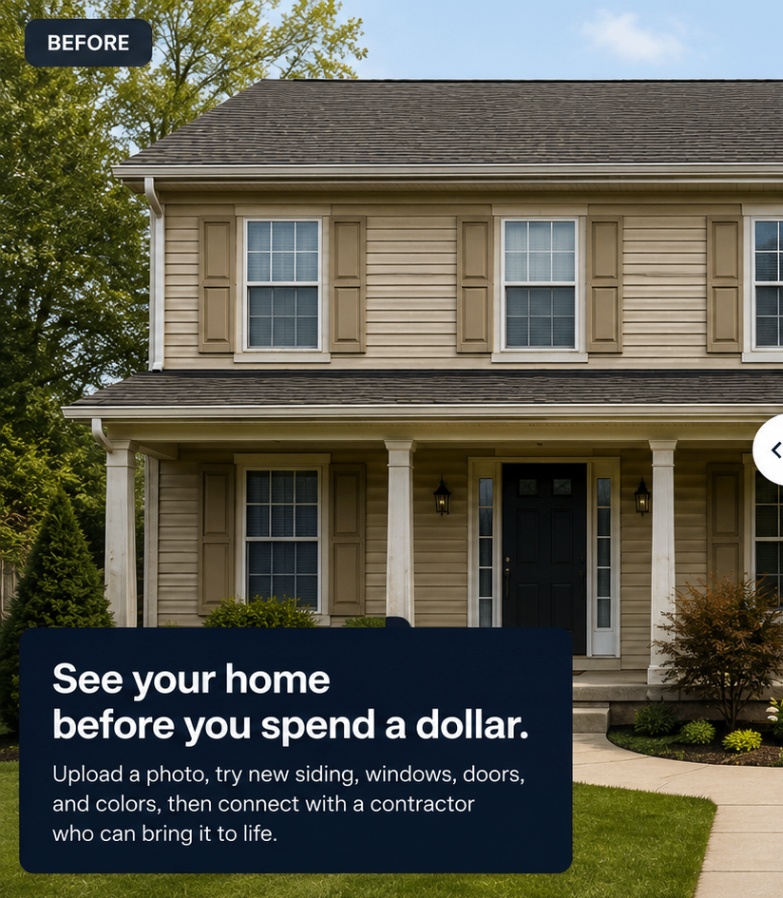
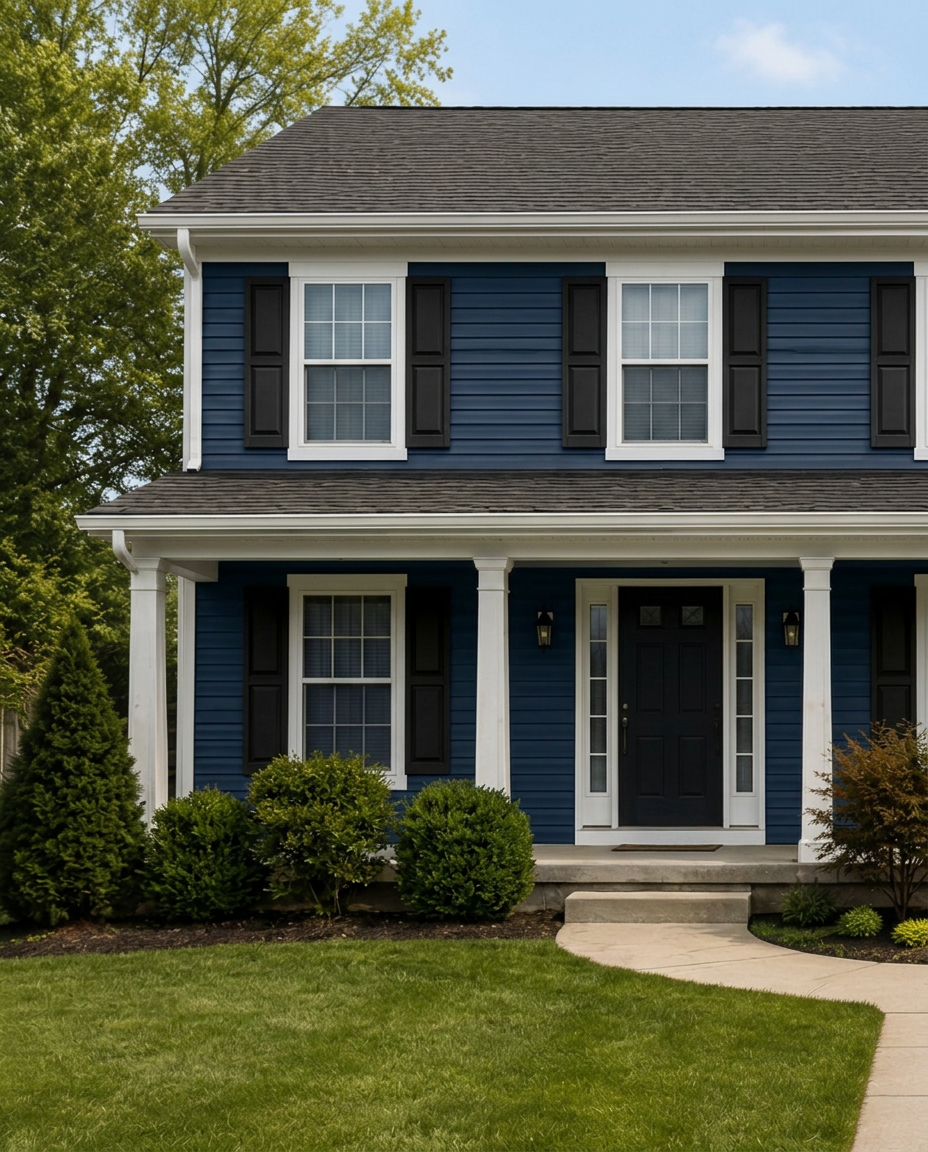 BeforeAfter
Left side shows the home before the design changes; right side shows the home after. Use the left and right arrow keys to move the reveal line, or Home and End to show mostly the after or mostly the before image.
One link the spouse can open from the couch.
The render, the selected products, and the notes — bundled into a clean homeowner recap that the decision-maker can open without an account.
Your Exterior Project
Shared by your contractor
BeforeAfterLeft side shows the home before the design changes; right side shows the home after. Use the left and right arrow keys to move the reveal line, or Home and End to show mostly the after or mostly the before image.
Notes from your contractor
We discussed color options and style updates to give your home a timeless look with great curb appeal.
This combination will enhance your home’s value and stand out in your neighborhood.
Jason M.
Exterior Remodeling Consultant
Next Steps
Review with your family
Take time to explore the design and share your feedback.
Get final measurements
We’ll confirm all measurements before ordering.
Schedule your appointment
We’ll finalize your quote and timeline together.
This project was shared with you
Your contractor is here to help bring your vision to life.
Built from real exterior remodeling appointments.
Every workflow here comes from actual kitchen-table conversations — not focus groups.
A quick note on real life.
- Not every contractor carries every material. Ask what they can match before you fall in love with a specific shade.
- Renders are inspiration, not a guarantee. Final colors and textures depend on the actual product, the lighting on your house, and the installer.